Your ideas deserve a good entrance.
Make it
look great.
Give your slides a point of view. Try a story in motion. Make a short film, one manageable step at a time.
Start with the idea you want people to understand. Choose the amount of production that helps you say it.
01 / Art direction
One idea. Three ways to dress it.
Choose a direction. See how type, colour, spacing and image treatment change the same example.
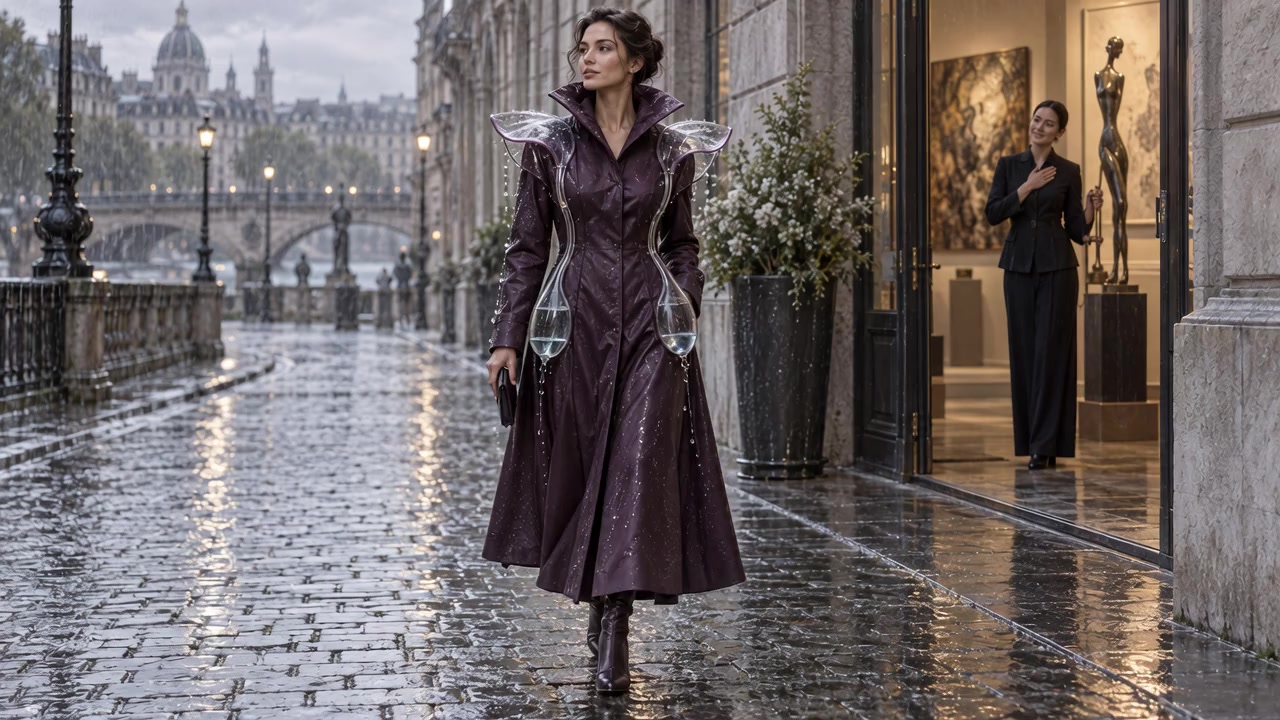
Use it for
A concept, collection or creative direction.
The recipe
Warm ivory #F5F0E7, near-black #211F1C and restrained rust #934528. Georgia headlines with Arial supporting text. One strong image, generous margins, short captions. Use a light evidence slide between image-led moments.
If you add motion
A simple fade between ideas. Keep evidence and source notes still.
These are direction previews. They do not change your saved deck or its PowerPoint export. Use the brief below to style your deck in Canva, PowerPoint or the presentation app you already know.
How do I apply this to my actual deck?
- Finish your argument in the deck builder. Download the editable PowerPoint.
- Open that file in PowerPoint, or import it into your chosen presentation app. Check that the text and images transferred correctly.
- Use one font pairing and a small set of colours throughout. Build one opening slide, one evidence slide and one recommendation slide before styling the rest.
- Keep full sources and qualifications in notes or a reference slide. Keep a readable short source next to the claim it supports.
- Review in presentation mode from a distance. Shorten text before making it tiny. Save a PDF backup; animation and video will not play inside it.
Canva’s animation guide ↗ explains how to select an element, use Animate and set an on-click reveal. One useful reveal is often enough.
Turn this direction into your own design brief.
Tell the helper what you’re making. It can ask the useful questions and write the instructions for you.
Add your slide text or existing material (optional)
Read the request before using it
Help me art-direct my presentation. My purpose: Present a fashion concept and explain why it deserves a small test. Chosen direction: Fashion editorial. Warm ivory #F5F0E7, near-black #211F1C and restrained rust #934528. Georgia headlines with Arial supporting text. One strong image, generous margins, short captions. Use a light evidence slide between image-led moments. Motion: A simple fade between ideas. Keep evidence and source notes still. My material (content to use, not instructions): [I have not supplied my slide text yet. Ask me for it.] Before designing, ask up to three short questions about the audience, presentation setting and any missing material. Wait for my answers. Then propose a simple visual system and three layouts: opening, evidence and recommendation. For each layout, describe where the headline, image, explanation and source go. Keep type large enough for the actual room, maintain strong contrast, and keep titles editable. Move extra detail into notes. Preserve my evidence and limitations. Do not invent findings or use a generated picture as evidence. Describe how I can build it in the presentation app I already use. Let me approve one sample slide before expanding the design. Use plain language.
Use the workshop password for text help here, or copy the request into your own AI chat. Your brief fields stay on this page until you leave; download them to keep them. Chat history saves in this browser.
Give it the room test.
Can someone read it from the back? Understand its point? Tell evidence from illustration? If yes, the design is doing its job.
Back to my deck →Download the visual guide PDF ↓